BetLiveX App - Download Now and Play Anywhere

BetLiveX mobile app promotion with 100% up to $500 welcome bonus and 22 Free Spins illustration

Are you ready to enjoy the top BetLiveX games and sports betting events on the go? Then, you can try the dedicated application launched by BetLiveX and get the best experience. The application is perfectly optimized, secure, and handy to use. Download the BetLiveX mobile app right away and claim a 100% up to $500 welcome bonus and 22 Free Spins!

BetLiveX mobile app promotion with 100% up to $500 welcome bonus and 22 Free Spins illustration

About the BetLiveX App 

With the BetLiveX application, Nigerian players and bettors can access all the games supported on the site and sports betting events. Currently, more than 1,000+ games and thousands of top matches and tournaments are available through the app. The app is secure as it is subjected to the same norms and regulations as the official site, regulated by the Lagos State Lotteries and Gaming Authority (LSLGA). Thanks to SSL encryption, any sensitive data you send to BetLiveX or that is handled by the server is reliably protected.

The same is true for compliance with KYC/AML procedures and Responsible Gambling policies. Currently, the application is available for Android devices. If you prefer to spin slots or place sports bets from an iPhone or iPad, use the mobile site shortcut. Please review the main app features in the table below before starting the BetLiveX download procedure.

NameBetLiveX 
Official websitebetlivexng.shop
Headquarters Lagos, Nigeria
LicenseLagos State Lotteries and Gaming Authority (LSLGA). Online Sports Betting and Online Casino licenses. Valid from 1 September 2025 to 31 August 2026.
Operating systemAndroid
BetLiveX APK latest version1.0
App size40.62 MB
Age18+
LanguagesEN
Payment methodsBank Transfer, Mobile Payments, E-wallets
ServicesSports Betting, Live Sports Betting, Online Slots, Live Casino, Table Games, Virtual Sports
Welcome bonus100% on the first deposit up to $500 and 22 Free Spins

How to Get the BetLiveX App for Android?

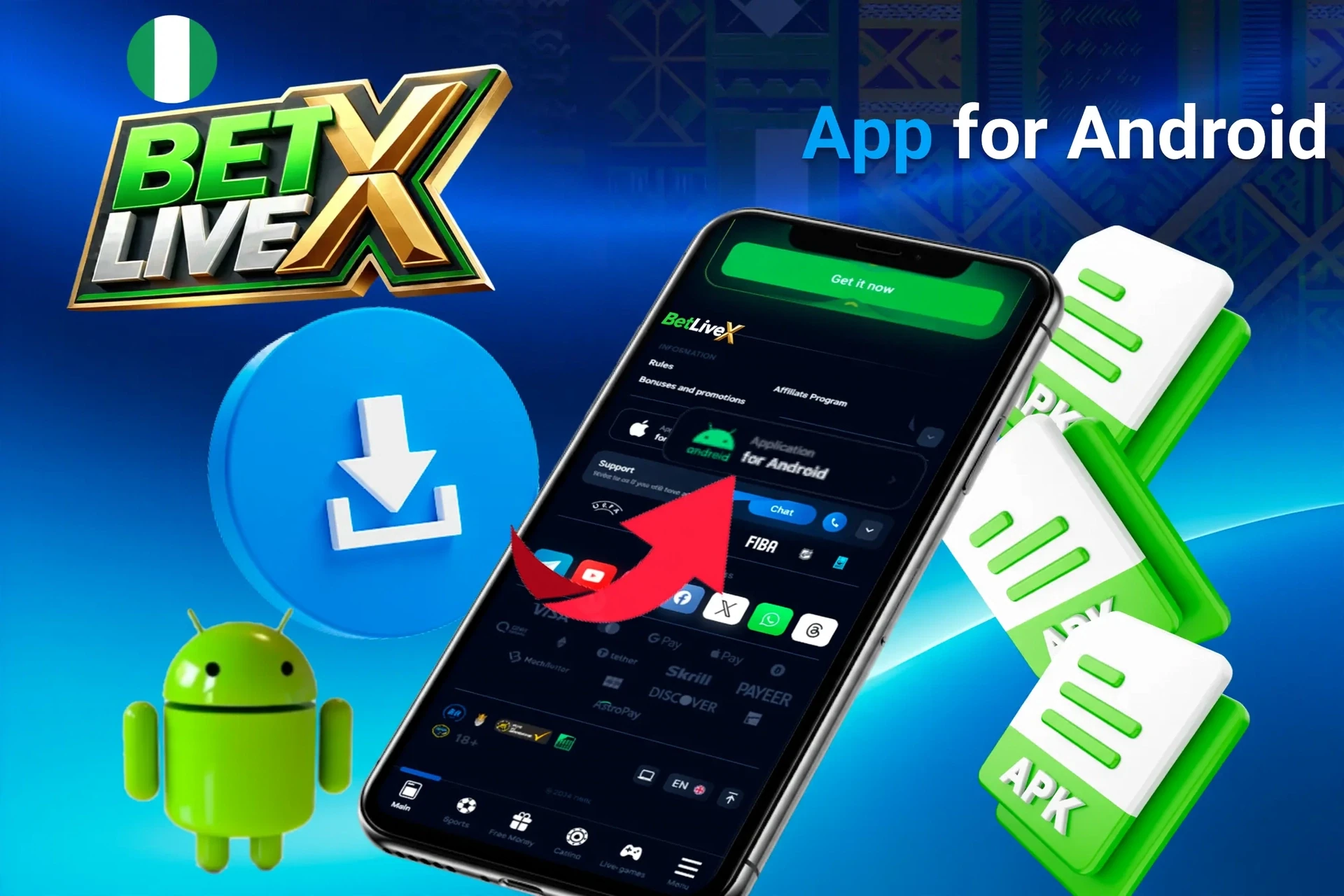
If you choose to play through the app but aren’t sure where to start, you’re in the right place. Follow the guide below to learn how to complete the BetLiveX app download for Android.

  1. Open the BetLiveX site. Access the operator’s official platform from your device.
  2. Find the download section. Tap the Android icon in the header.
  3. Download the APK. Wait until the APK file is delivered to your device.

Typically, the BetLiveX app download is quick and can be completed in under a minute.
Android app download process with APK file icons and Android mascot

How to Install the BetLiveX APK?

If you’ve already downloaded the BetLiveX APK, go ahead and install it.

  1. Locate the APK. Find the file in your device’s internal storage and tap it.
  2. Adjust security settings. Ensure your device is permitted to install apps from unknown sources. If not, change the security settings and continue.
  3. Install the app. Follow the on-screen instructions until installation finishes.

After installation, the app will typically be scanned by your antivirus. Then you can open BetLiveX and log in to your account. If any step causes issues, contact customer support via the channels listed below for assistance.

How to Update the BetLiveX App for the Latest Version

Usually you won’t need to update manually if you downloaded the original BetLiveX app initially, since the team regularly improves the software. However, if you’re unsure about the app version, follow these steps.

  1. Uninstall the app. Remove the application from your device and clear its cache.
  2. Open the BetLiveX site. Revisit the official BetLiveX platform and find the Android download option.
  3. Download the app again. Redo the BetLiveX APK download and follow the installation steps above.

This will ensure you have the most recent version of the app with all available improvements.

System Requirements for Android

Many BetLiveX players in Nigeria value the app’s resource efficiency and modest system requirements. Still, check the key Android parameters to achieve the best performance.

Operation system6.0+
RAM1 GB+
Processor1.2 Ghz
Free Space 100 MB
Installed Size43.12 MB

Suitable Android Devices 

Below are some popular devices and models that work well with the BetLiveX app.

DeviceModel
Motorola Moto Z, E, G4, and later
SamsungGalaxy S6, S7, S7 Edge, S8, S8+, S22, S22+, Galaxy Note 5, and later
Redmi Note 7, 8, 9
One Plus7, 8, 9

How to Download the BetLiveX App for iOS?

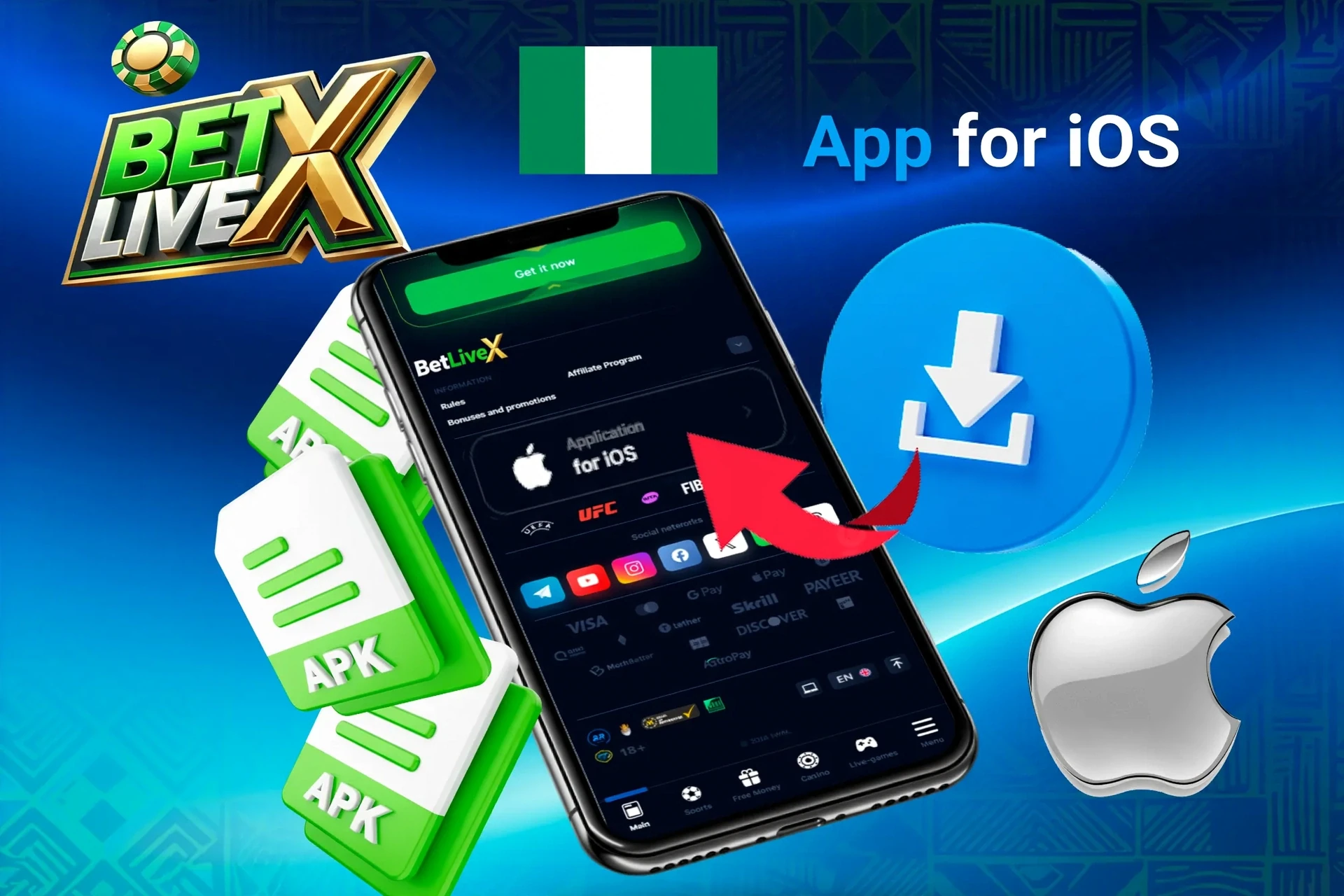
If you use an iPhone or iPad, there isn’t a dedicated iOS app at the moment. However, users with iOS devices can still enjoy BetLiveX on the go. The platform offers an easy way to add a site shortcut to your iOS home screen for quick access.

This lets players reach BetLiveX services faster than navigating via the browser each time. Here’s how to add the shortcut from your iPhone or iPad in a few simple steps.

  1. Open the platform. Use Safari or another browser to visit the BetLiveX site.
  2. Create the shortcut. Tap “Share” and then “Add to Home Screen.”
  3. Add the shortcut. Name the shortcut and tap “Add.”
  4. Start playing! Tap the shortcut to open BetLiveX and access your account.

Enjoy BetLiveX on iOS without restrictions wherever you are!

iOS platform shortcut setup screen with Apple logo

System Requirements for iOS

Since there’s no native BetLiveX iOS app, you don’t need to free up app storage. The main consideration is device memory — at least 1 GB of RAM is recommended.

Suitable iOS Devices

There are no strict limitations for iOS devices that can use the BetLiveX shortcut. Below are common device options to give you an idea.

DeviceModel
iPhoneXR, 12, 13, 14, and later
iPadMini, Pro 11, and later

How to Get the BetLiveX Application for Windows?

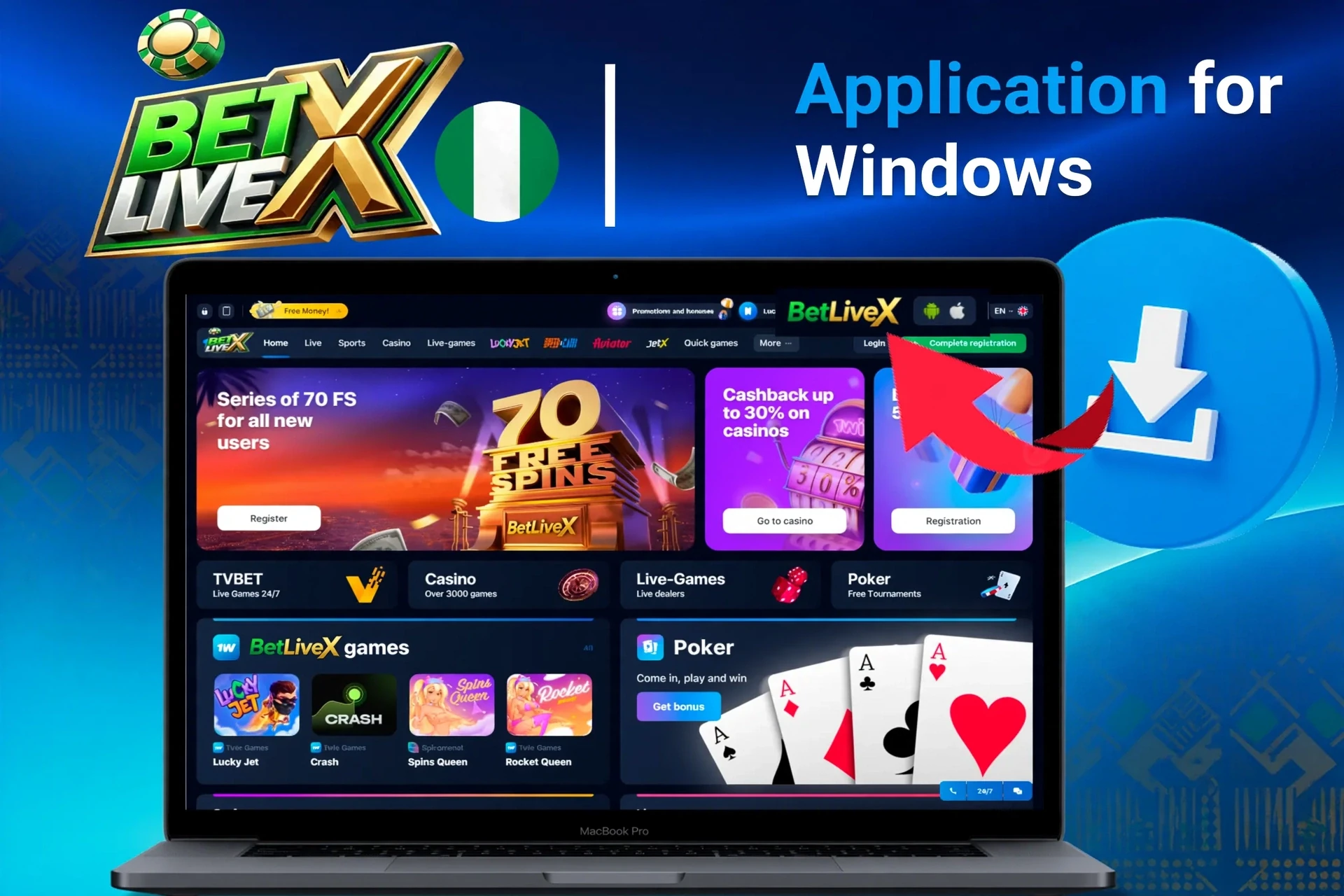
BetLiveX provides a Windows application for PCs and laptops that mirrors the desktop site’s functionality, including bonuses, banking, and the game library. The Windows app can preload content for faster access to your favorite games. Follow the simple steps below to install the app on your laptop or PC.

  1. Open the BetLiveX platform. Visit the BetLiveX site and click the Windows icon in the header.
  2. Download the installer. Wait for the installer to be downloaded to your system.
  3. Install the app. Run the file and follow the prompts until a shortcut appears on your desktop.

Open the application and complete the registration when using the BetLiveX desktop version.

Application for Windows with download instructions and welcome bonus promotion

System Requirements for Windows

The app is lightweight and runs smoothly even on older machines. For instance, your PC or laptop should have at least a 2 GHz processor and 4 GB of RAM.

Suitable Windows Devices

The BetLiveX app for Windows can be installed on a variety of devices since it doesn’t demand many resources. For example, it performs well on machines with Intel processors of 3rd generation and newer.

BetLiveX Mobile App Top Features?

If you are unsure whether to install the app, we’ve listed its main features below. Review them and decide if you prefer the app or the mobile version of the BetLiveX casino. 

  • Quick access to BetLiveX functionality. With the BetLiveX app, you don’t need a browser to reach your favourite games and sports markets. Tap the app icon to open your profile instantly, thanks to pre-cached content and reduced reliance on connection speed.
  • Extra functionality. The app supports push notifications, which are not available via the site’s mobile version. With this feature enabled, you’ll stay informed about results, new tournaments, personalised offers and other updates. 
  • Dedicated promotions. Installing the BetLiveX app can unlock exclusive offers and occasional one-time bonuses that are credited to users who opt in. Check the app promotions section for current deals.

Explore these advantages firsthand and register through the BetLiveX application!

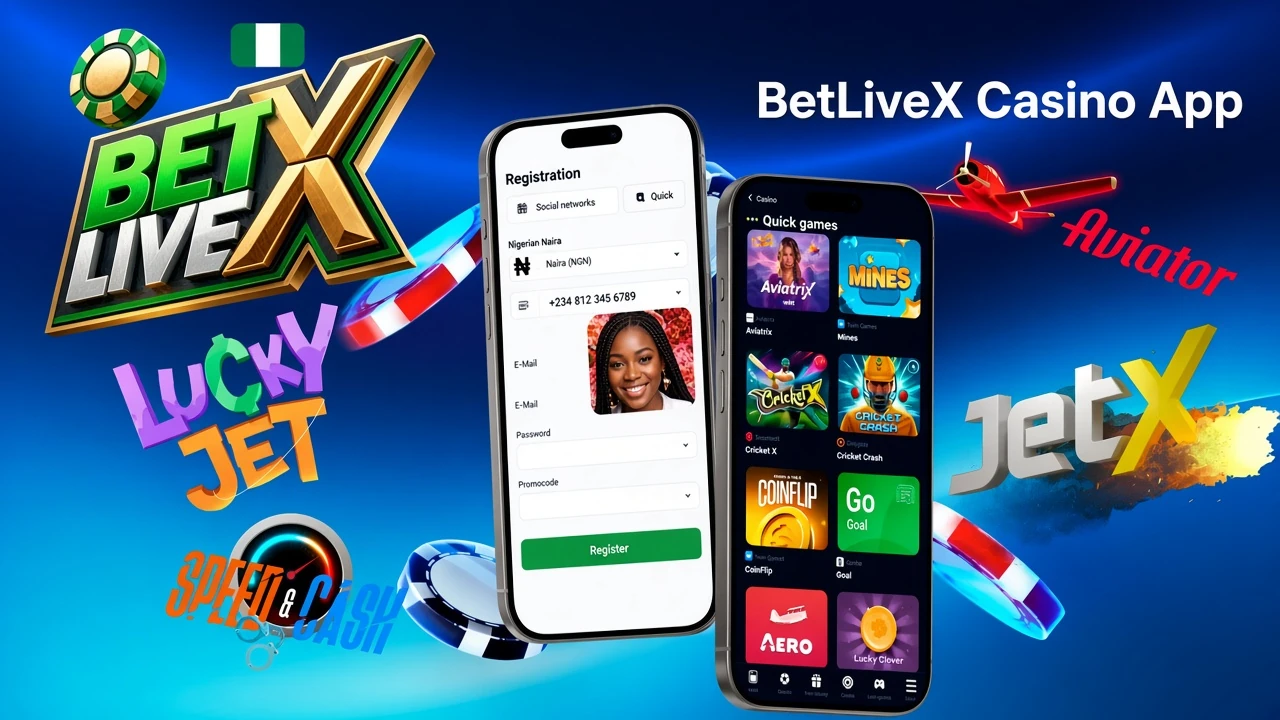
BetLiveX Casino App

After registering, you can explore the BetLiveX casino which offers a library of 1,000+ games. Enjoy titles from classic slots to live dealer poker and interactive TV-style game shows. High-quality graphics and immersive sound design deliver a compelling experience. 

Most games feature a demo mode so you can try them using play credits before wagering real money. Note that live dealer tables require a real-money deposit. Install the BetLiveX application now to discover all these benefits!

BetLiveX Casino app registration screen with quick games like Aviatrix and JetX

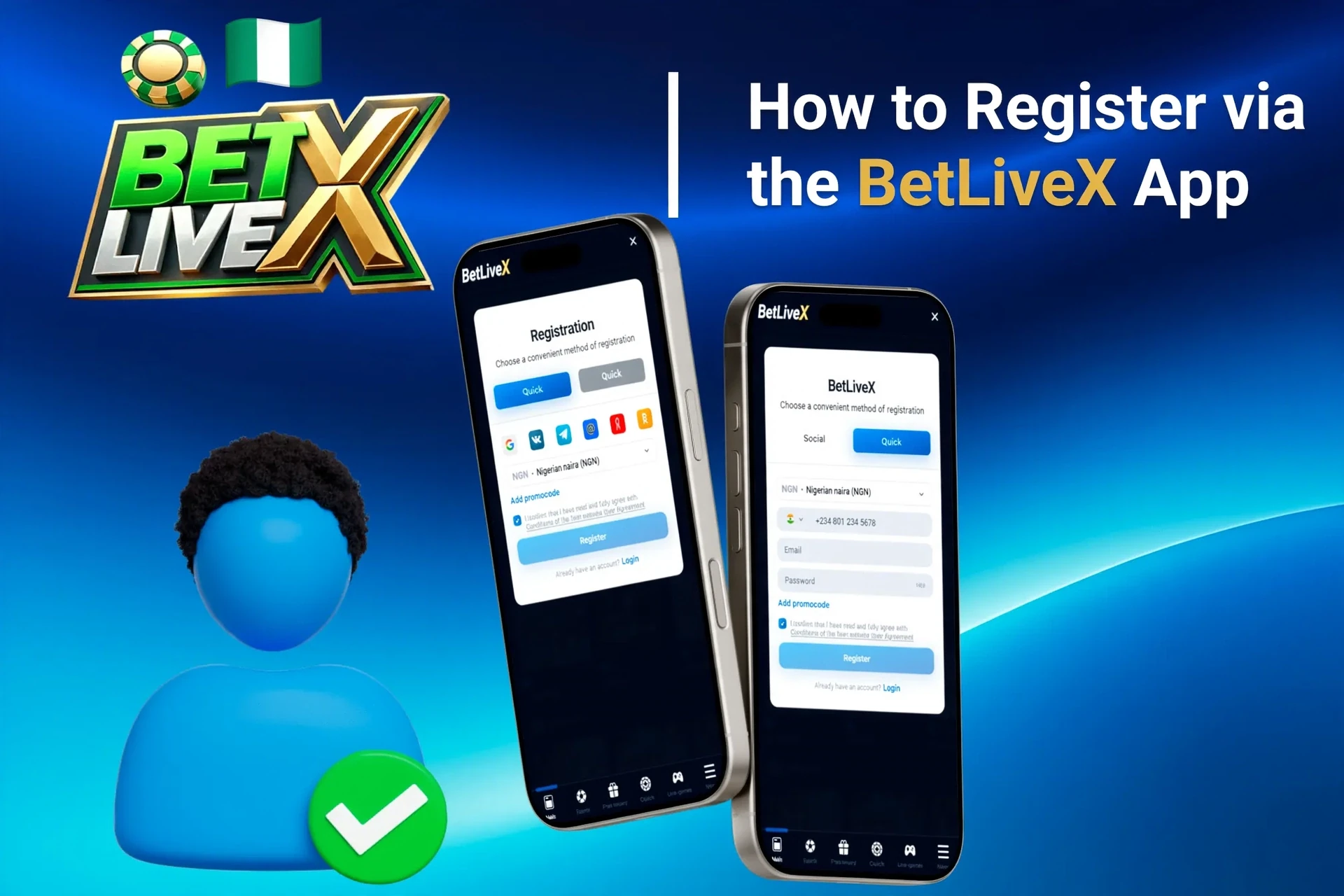
How to Register via the BetLiveX App

If you’re ready to create an account in the BetLiveX app, follow the step-by-step guide below. 

  1. Launch the app. Tap the official BetLiveX app to open it and choose the registration option.
  2. Select the sign-up approach. You can register quickly or use a social network login. The social option links one of your existing accounts and completes profile creation with a single tap.
  3. Finish the sign-up. Tap the welcome bonus offer so you don’t miss the chance to claim 100% up to $500 plus 22 Free Spins. Then accept BetLiveX’s User Agreement and complete the registration.
Registration process on the BetLiveX mobile app with social login options

How to Log in via BetLiveX Application

If you already have an account, use the app to sign in and start playing!

  1. Launch the app. Tap the application to open it, then select the Login button.
  2. Provide the credentials. Enter the BetLiveX app login details you used during registration, or choose the linked social network account.
  3. Open your profile. Tap to continue and wait to be redirected to the BetLiveX homepage.

Bonuses and Promotions in BetLiveX App

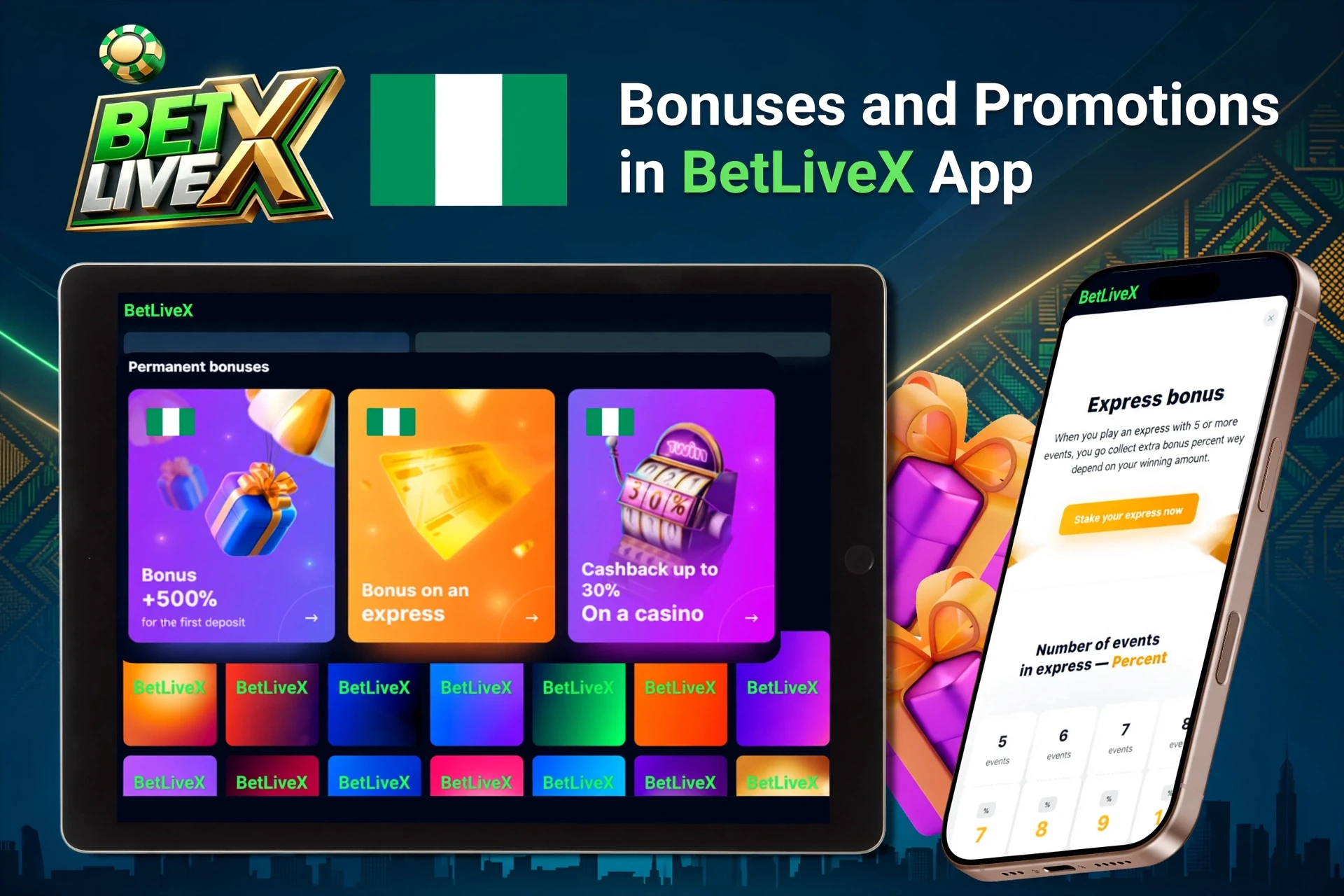
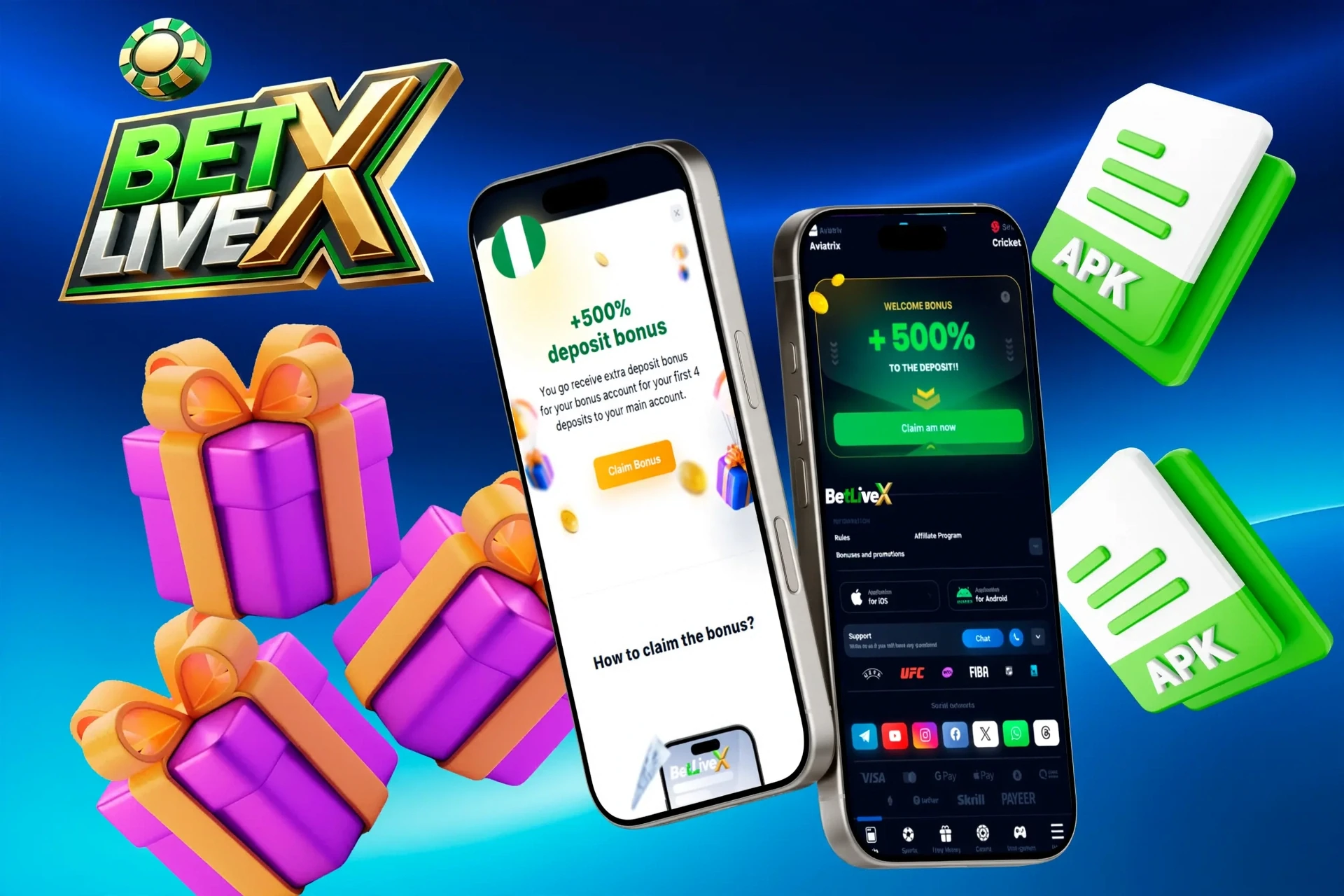
The BetLiveX bonus programme features a wide range of offers for both sports bettors and casino players. Some promotions require deposits, while others are available without one. The primary offer for new customers is the welcome bonus of 100% up to $500 plus 22 Free Spins. 

Promotions are subject to terms and wagering requirements, which are detailed on the official platform. Be sure to read the conditions before claiming any offer. Below is how to claim and use the BetLiveX welcome package.

  1. Create an account. Register as described above and opt in to the welcome bonus. If you have a promo code, enter it during registration or in the cashier section.
  2. Top up the balance. Make a qualifying real-money deposit from the cashier to activate the bonus offer.
  3. Enjoy gaming! Once bonus funds and spins are credited, you can start playing eligible games and placing bets in the BetLiveX app.
Registration process on the BetLiveX mobile app with social login options

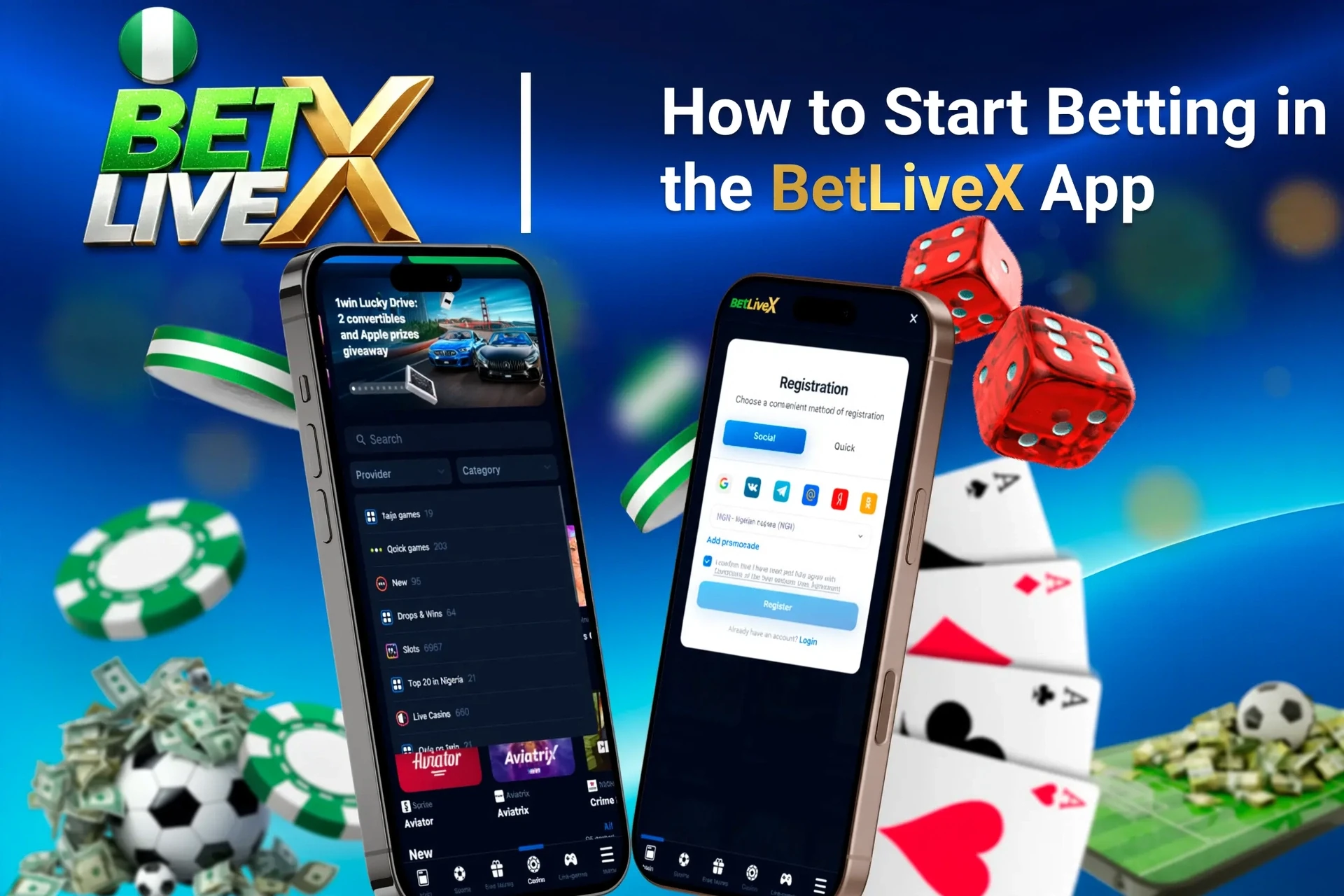
How to Start Betting in the BetLiveX App

Ready to place real-money bets and win with BetLiveX? Follow these straightforward steps to get started.

  1. Open the app. Launch the BetLiveX mobile app and register an account as described above. Don’t forget to claim the welcome bonus!
  2. Top up the balance. Sports betting requires real-money deposits. Open the cashier and make your first deposit to fund your bets and, if applicable, activate bonus offers.
  3. Pick the match. Go to the pre-match or live betting section, use filters to find the event you want, review available odds and the match statistics BetLiveX provides, then select the event you wish to bet on.
  4. Place your first BetLiveX bet. Choose the market and enter the stake. If you prefer higher returns and greater risk, build an accumulator with multiple selections. Finally, submit your bet to confirm the wager.

With push notifications enabled, you’ll get match results and updates on your device as soon as outcomes are settled.

Step-by-step guide to starting betting on the app, with registration and game selection shown on mobile screens

How to Make a Deposit Using the BetLiveX App

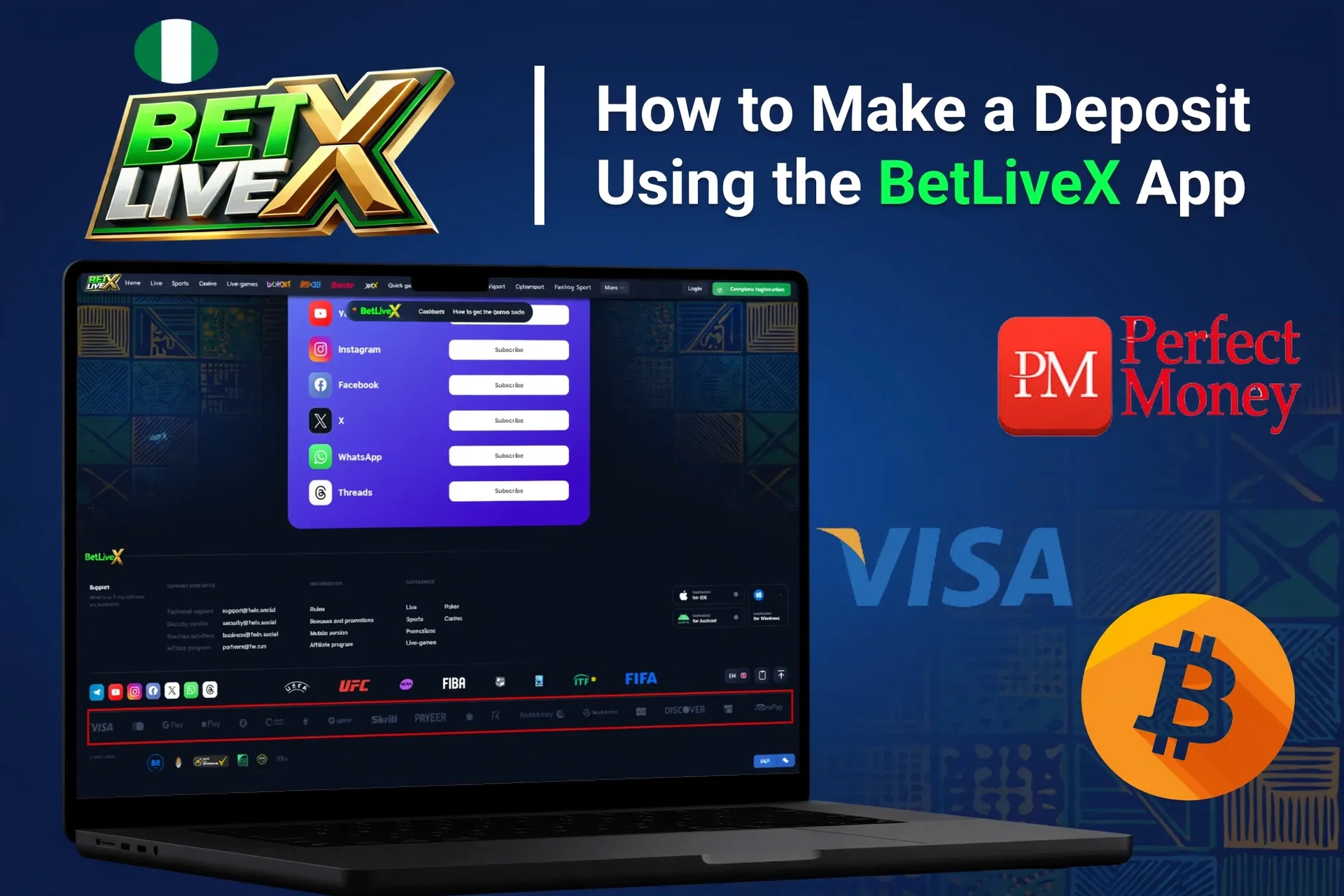
Within the section with BetLiveX payment methods you can find both fiat and crypto options available for deposit transactions. Here is how you can add funds to your BetLiveX balance and secure real winnings!

  1. Open the app. Launch the app and visit the “Deposit” section.
  2. Pick the banking option. Check available fiat and crypto banking options and choose the most convenient option for you. 
  3. Make a deposit. Fill in the required details (for instance, the beneficiary’s e-wallet number if you use crypto) and the amount, then tap to process the transaction. 

BetLiveX processes deposit transactions quickly so that your funds will appear in the balance almost instantly. Check the supported deposit options and their limits.

Registration process on the BetLiveX mobile app with social login options
MethodMinimum DepositMaximum Deposit
Perfect Money₦300₦70,000
Visa₦400₦73,850
Mobile Payments₦300₦50,000
Ethereum ₦12,000₦258,450
Tether₦7,500₦785,500
Bitcoin₦4,900₦785,500
Bank Transfer₦300₦50,000

How to Cash Out Funds Using the BetLiveX App?

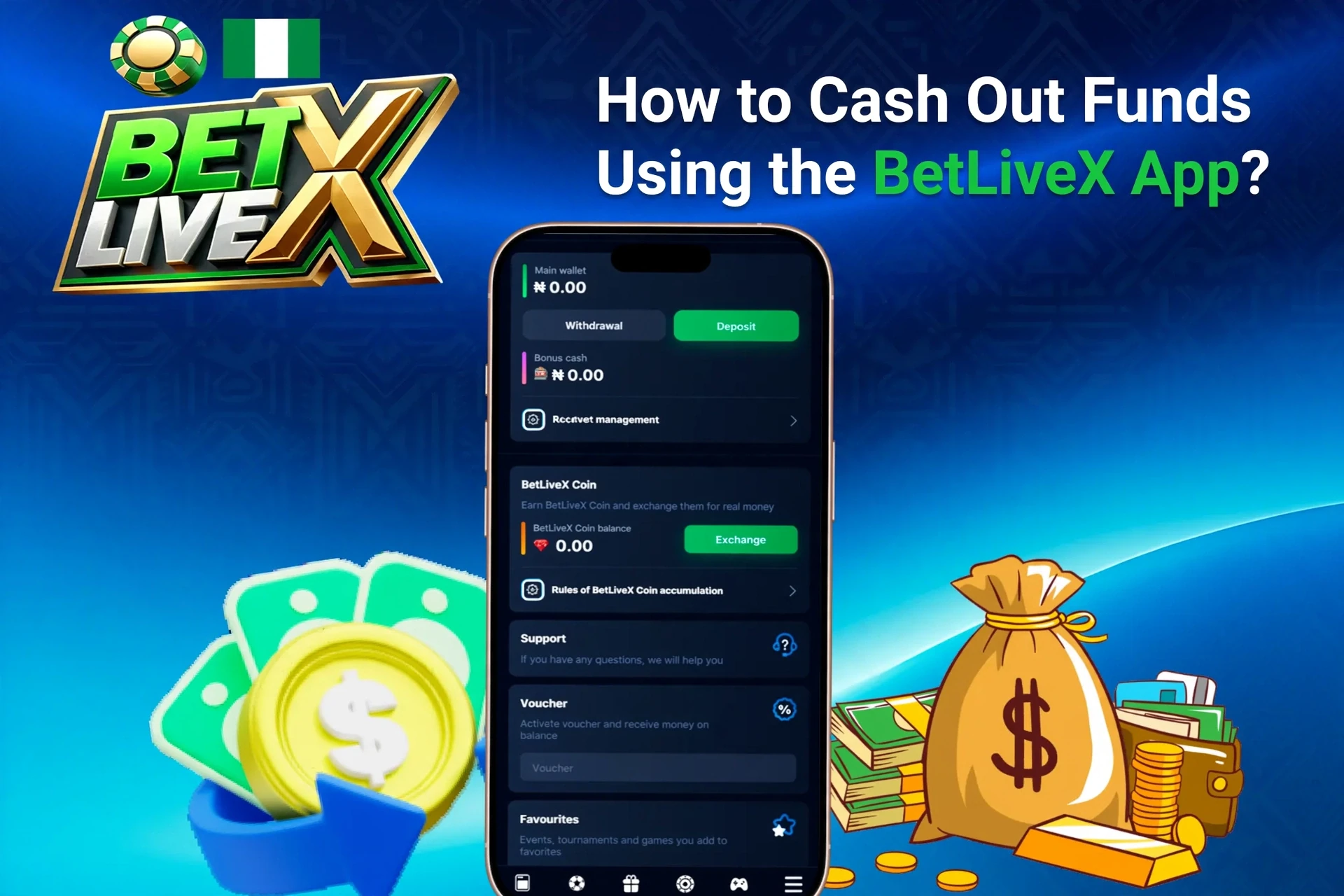
If you have a sufficient balance, you can seamlessly cash out funds using fiat and crypto banking methods.

  1. Open the app. Launch the application and proceed to your profile. 
  2. Select the banking method. Tap on the preferred financial gateway and fill in the details. For example, you need to provide the relevant Perfect Money account number if you choose that option.
  3. Process the withdrawal. Choose the amount and tap to withdraw it. 

Unlike depositing, cashing out may take some time. It depends on the payment gateway you use, account status, amount, and more. Check out popular cash-out methods supported by the BetLiveX app.

Registration process on the BetLiveX mobile app with social login options
MethodMinimum WithdrawalMaximum Withdrawal 
Perfect Money₦400₦738,500
Visa₦735₦73,850
Mobile Payments₦2,000₦90,000
Nigerian Banks₦1,000₦50,000
Bank Transfer₦2,000₦90,000

Mobile Version

If you want to play on the go without using the download BetLiveX app option, then this is the choice you need. To start using the BetLiveX mobile casino, simply open the official platform via Chrome, Safari, or any other browser installed on your device. After that, log into your account and access BetLiveX features. In this case, you do not need to check system requirements or allocate space on your device. On the other hand, you may experience improved performance when you use the app and a higher dependence on your Internet connection speed.

Mobile version of the BetLiveX app displayed on smartphones, offering quick access to various betting and gaming features

Mobile Version vs Mobile App

Explore the main differences between the app and the mobile version of BetLiveX.

FeatureBetLiveX betting appMobile casino
Internet connectionLess dependent Significantly dependent 
Internal storage of your device Requires free space Does not require free space 
Extra functionality Supports push notifications and gives access to a ₦10,000 free bonus No extra functionality 
Performance Higher performance thanks to pre-downloaded content Lower performance 

How to Delete a BetLiveX Application?

If you decide to stop using the BetLiveX app, follow the steps below.

  1. Locate the app. Find the app’s icon and long press on it.
  2. Use the “Delete” option. Tap on the “Delete” button in the menu that appears.
  3. Delete the app. Confirm deletion of the application and clear the cache.

Afterwards, you can download the BetLiveX APK latest version again at any time.

Instructions on how to delete the application from iOS and Android devices, shown with app icons

Customer Support

If you experience issues using the BetLiveX app for iOS or Android, you may try to resolve them yourself. Look for answers in the T&Cs section or on relevant forums. If you want to save time and get an answer faster, please use one of the communication channels described below.

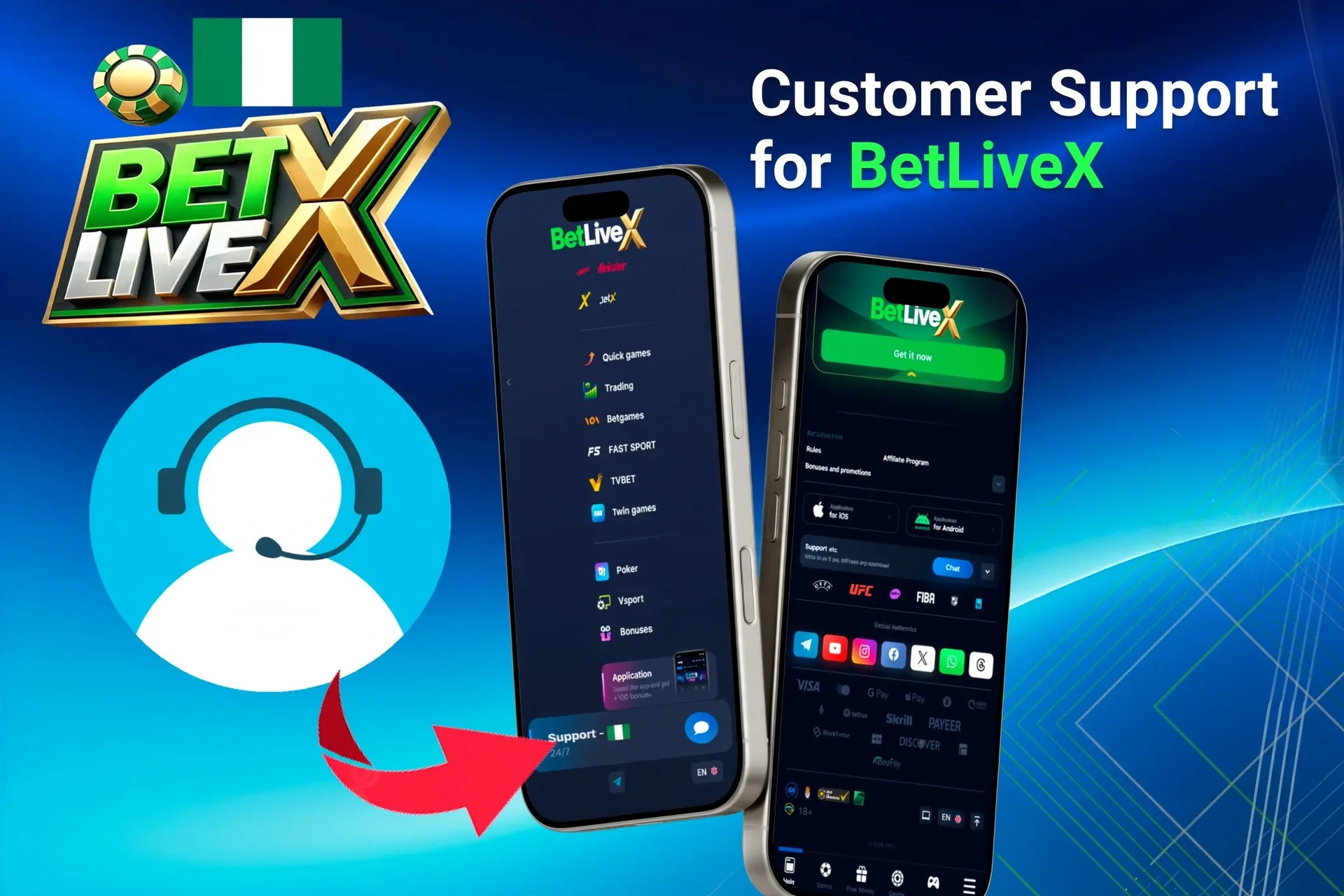
Customer support feature for the app, highlighting options for contacting support through the app
Communication channelDetails 
Technical support[email protected]
Security service[email protected]
Commercial offers[email protected]
Affiliate program[email protected]
Phone +234 814 786 9429

Also, you may use a live chat to communicate with BetLiveX experts 24/7. 

FAQ

How To Install the BetLiveX App on The Android Device ?
You need to use the BetLiveX APK download option, launch the file, and follow the instructions. Make sure your phone can accept files from unknown sources. Otherwise, you need to adjust security settings.rn
How Do I Install the BetLiveX App on My iOS device?
You can not download BetLiveX APK for iPhone or iPad. However, you may add a bookmaker’s shortcut to the home screen. Visit the homepage from the Safari browser and use the “Share” and “Add to home screen” buttons.rn
What Bonuses Does BetLiveX Offer to New Players ?
New BetLiveX clients can get a 100% welcome bonus up to $500 and 22 Free Spins.
Is the BetLiveX App Safe and Secure ?
Yes, the BetLiveX app supports SSL encryption and operates under licenses issued by the Lagos State Lotteries and Gaming Authority (LSLGA).rn
Can I Use BetLiveX on Multiple Devices with the Same Account ?
Yes, you may complete the BetLiveX APK download procedure, install the app, and create an account that is available on any device. rn
Does BetLiveX Offer Live Streaming for Sports Events ?
Yes, you may enjoy many top sports events directly on the app. rn
How BetLiveX Users Can Verify Their Accounts ?
You must send documents that can prove your physical address, bank statements, and ID to BetLiveX specialists. Use any of the communication channels for this purpose.
Does BetLiveX Have Special Bonuses for Mobile Users ?
Yes, mobile users may find exclusive promotions and offers available through the mobile site and browser-based access.rn